
Managing your team
This section is mostly for the people who look after the team in Jelly: the Owner and the Admins. It covers the team's settings, who's on the team, what it pays, and the work Jelly does in the background.
One page is for everyone: your preferences, where you set your own name, picture and signature, and how you sign in.
Getting to Settings
Open the account menu (your picture, top right) and choose Team settings. Only Admins and the Owner have it in their menu. Your own settings are under Your preferences in the same menu.
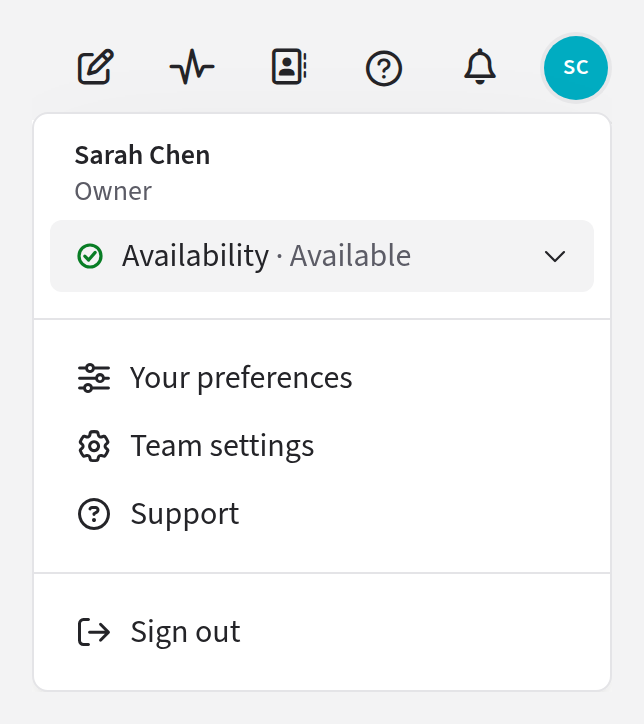
If you're a Member and follow a link to a settings page, Jelly says You can't do that here. The Members page is the exception: you can read it, but you can't change anything on it.
Finding your way around
Settings has a sidebar, in six groups:
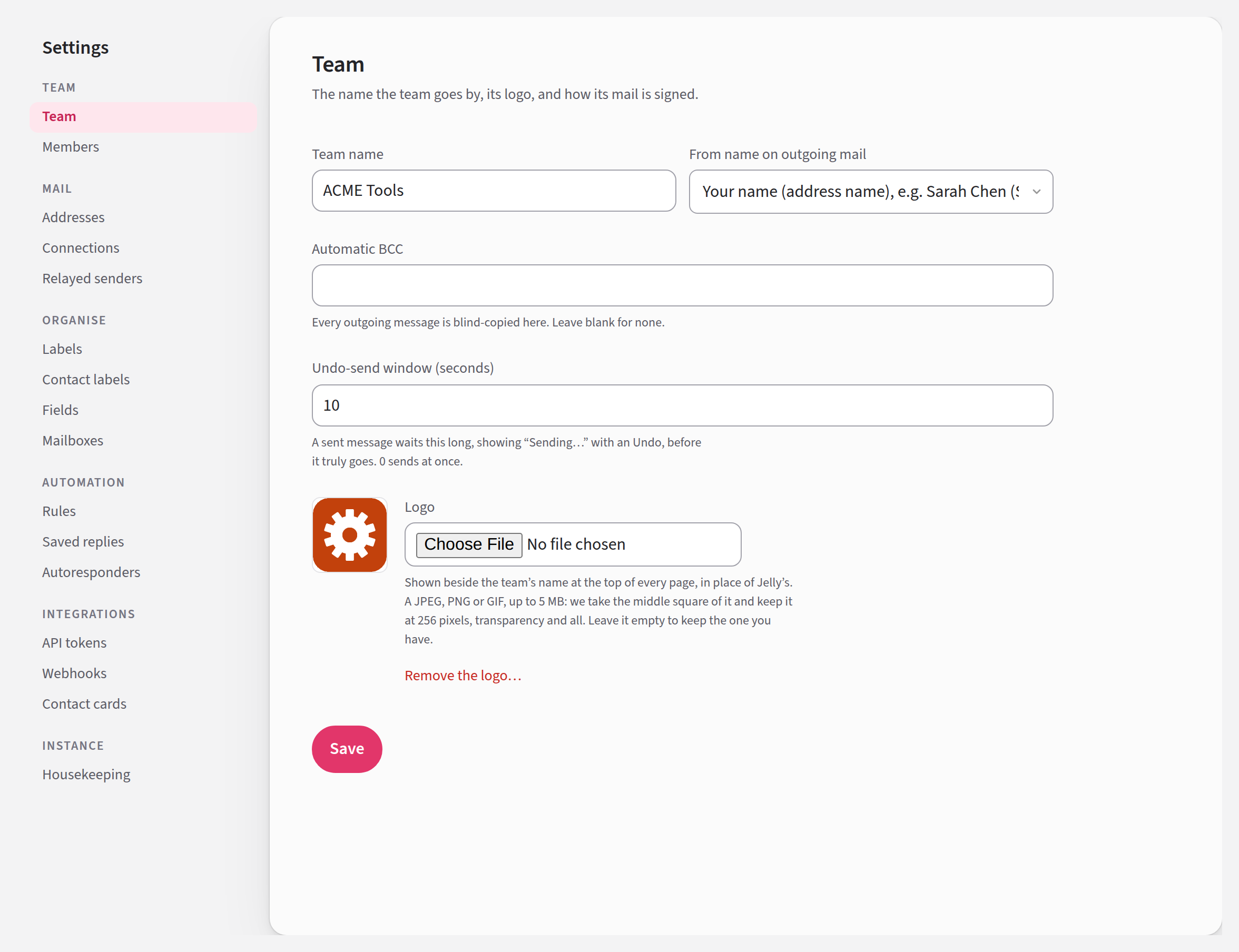
| Group | What's in it |
|---|---|
| Team | Set up, Team, Members, and Billing for the Owner |
| Addresses, Connections (Gmail, Postmark, IMAP and SMTP) and Relayed senders | |
| Organise | Labels, Contact labels, Fields and Mailboxes |
| Automation | Rules, Saved replies and Autoresponders |
| Integrations | API tokens, Webhooks, Contact cards, and Slack and Discord where they're available |
| Instance | Housekeeping, and Import from Jelly if it has been turned on |
Set up is the checklist for a new team. It leaves the sidebar once everything on it is done.
Some of these pages belong to the Royal Jelly plan, which every trial includes. If your plan doesn't include one, the page says On the Royal plan instead. Billing lists what each plan includes.
If you belong to more than one team
Each team has its own Jelly, at its own web address, and you sign in to each one separately. In some places Jelly calls a team's own Jelly its instance.