
Welcome to Jelly
Jelly is a shared inbox for small teams. Your team's email arrives in one place, where everyone can read it and everyone can see who's dealing with each conversation.
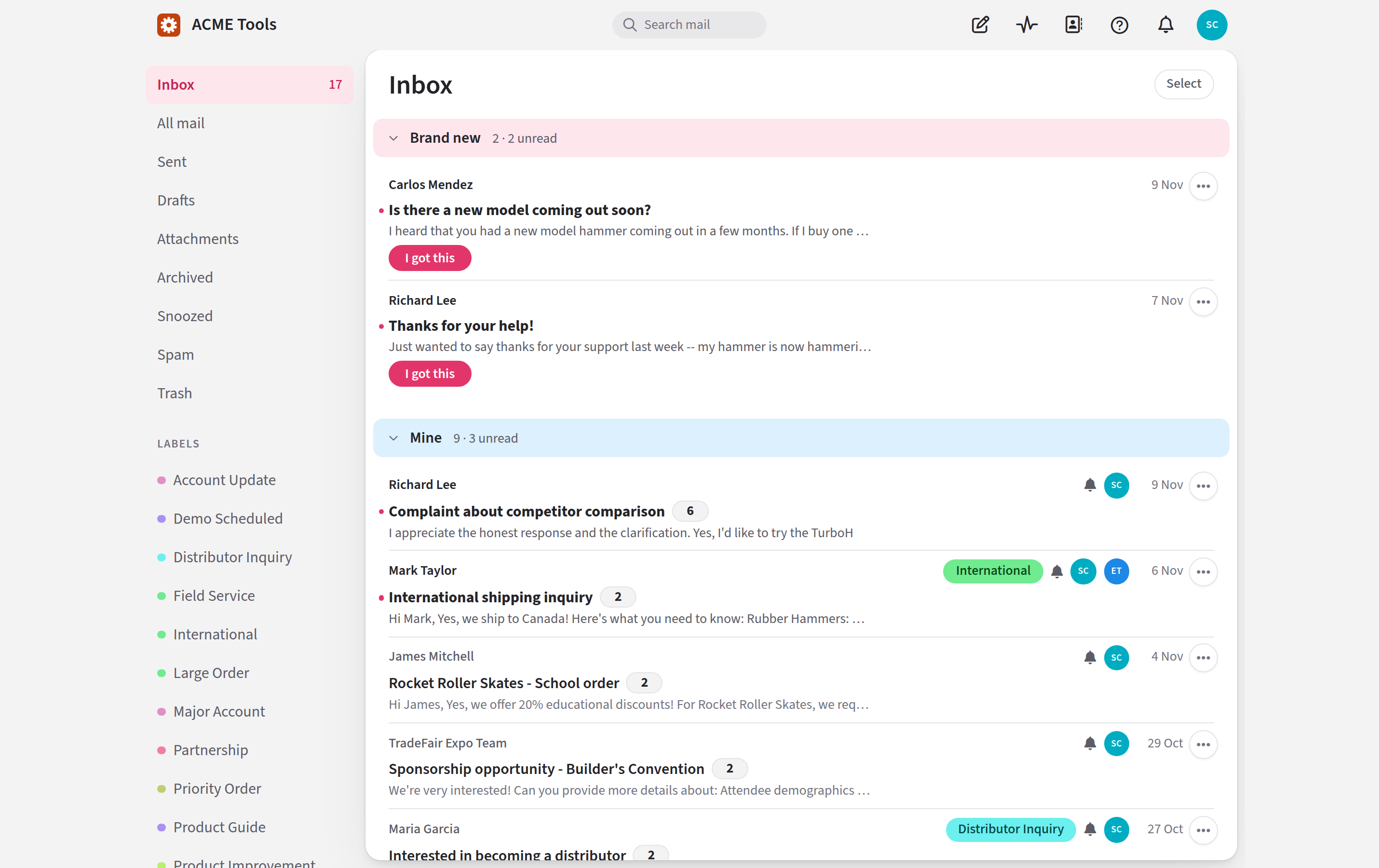
If you know how to use email, you already know most of Jelly. What it adds is what a team needs: a way to say "I've got this one", private notes for your team beside each conversation, and an inbox that shows you what's yours, what's new, and what a colleague is already handling.
Where to start
If you've been invited to a team that already uses Jelly, the first time you sign in you'll be asked to add a passkey or an authenticator app. Your first sign-in explains what to do. After that, read Jelly basics, which walks you through a day in the inbox. You can set your name, picture and signature on your preferences.
If you're setting up Jelly for your team, start by signing in as the first person on a new Jelly. Then go to Settings → Set up, which lists what's left to do: name the team, connect its email, and invite the people who'll answer it. Until the email is connected, the inbox says Nothing can arrive here yet. Email setup takes you through each way of connecting it.